
Cooking websites accumulate hundreds, sometimes thousands, of recipes organized by dish type, ingredient, or season. Finding a specific recipe among them requires understanding how the sitemap organizes this content.
The WCAG 2.2 criterion “Multiple Ways” (2.4.5) also requires that every page on a site be reachable through several distinct paths: categories, internal search, and contextual links. On a cooking website, this requirement takes on particular importance when visitors are viewing a recipe with their hands busy preparing food or browsing on their phone with one hand.
Navigating a cooking sitemap with your hands busy
A sitemap (HTML sitemap) lists all accessible pages. On a cooking blog, this page can quickly become a wall of links if it is not divided into sections. The usual approach is to scroll until you visually spot the category you want, then click the recipe link.
This approach presents a practical problem in the kitchen. When your hands are wet or covered in flour, scrolling precisely on a touchscreen can be a challenge. Using a keyboard is no easier: the Tab key jumps from link to link, and if the sitemap contains several hundred entries, reaching the right one can take dozens of successive keystrokes.
The W3C highlights an often-overlooked point: a fixed banner or overlay must not obscure the element selected by keyboard (WCAG 2.2 criterion 2.4.11, “Focus Not Obscured”). On a recipe website, a sticky header that covers the currently focused line makes keyboard navigation practically useless. Checking that focus remains visible is a quick test that improves the experience for anyone navigating without a mouse.
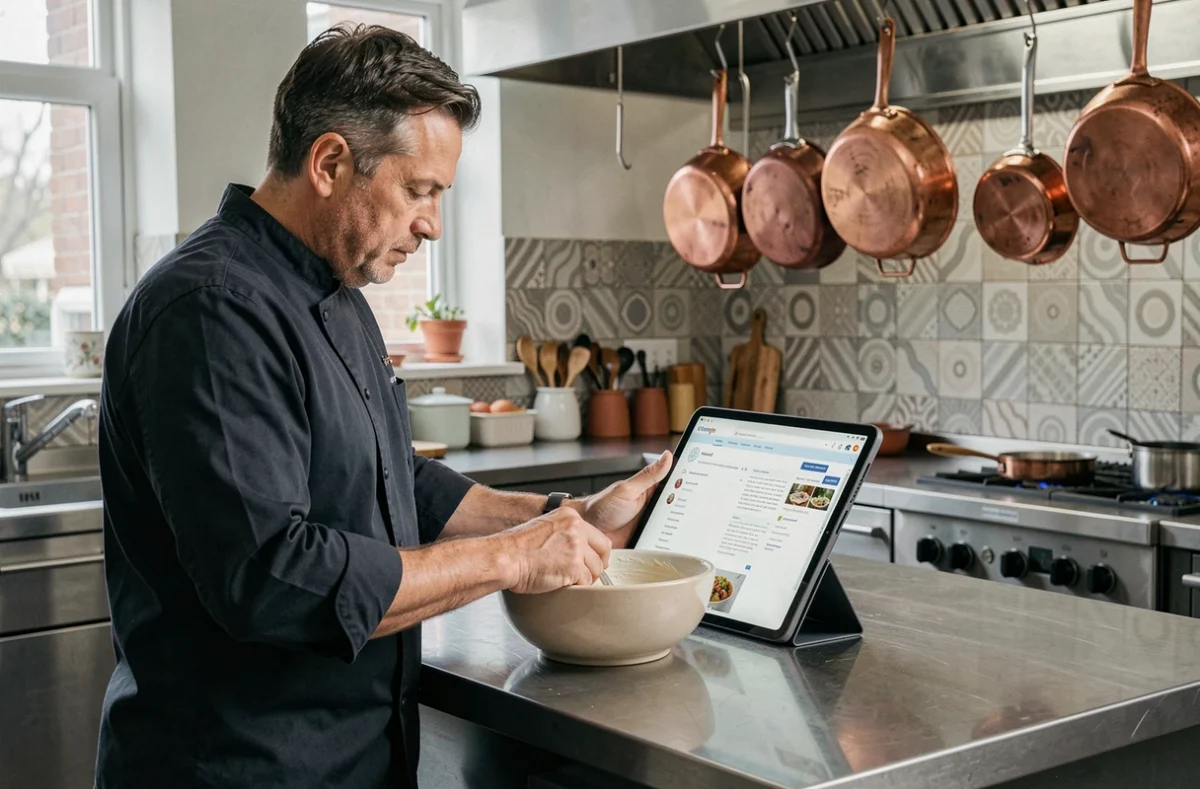
Browsing the sitemap for Mon Blog Cuisine, you can see that it is divided into main categories (starters, main courses, desserts, drinks), limiting how far you need to scroll before finding the right section.
Structuring a culinary sitemap: categories, filters, and internal search
A sitemap should never be the only way to find a recipe. Three complementary options can accommodate the different ways visitors search.
- Thematic categories group recipes by type (soups, gratins, pastries) or main ingredient (chicken, chocolate, seasonal vegetables). They work well for visitors browsing without a specific idea in mind.
- Internal search with a free-text field suits visitors who already know what they want. A search field at the top of the page, accessible directly from the sitemap, can reduce the process to just a few seconds.
- Contextual links within recipes (“see also” links or suggestions at the bottom of the page) create connections between related content. Someone viewing an apple tart recipe might discover an applesauce or crumble recipe without returning to the sitemap.
Offering several ways to reach each recipe reduces reliance on the sitemap and meets WCAG criterion 2.4.5. This principle benefits all visitors, not just those with a declared disability.
The pitfalls of dropdown menus on mobile
Multilevel dropdown menus present a specific challenge on touchscreens. When subcategory links are too close together, it is easy to tap the wrong one. WCAG 2.2 criterion “Target Size (Minimum)” (2.5.8) addresses this directly: clickable areas must be spaced far enough apart to prevent accidental activation.
On a cooking website viewed in the middle of food preparation, this is no mere technical detail. A visitor who accidentally selects “Jams” when looking for “Confectionery” loses time, has to go back, and may eventually give up browsing and type their query directly into an external search engine.
Testing recipe website navigation without images or a mouse
W3C recommendations suggest checking keyboard navigation, focus visibility, and whether every page can be reached in multiple ways (criteria 2.4.3, 2.4.5, and 2.4.7). Applied to a cooking website, these tests reveal issues that may not be apparent from the menu’s appearance.
First test: unplug the mouse and navigate using only the keyboard. On a well-designed sitemap, the Tab key moves through categories in a logical order, and the selected line remains visible even when a banner is fixed at the top of the screen. If focus disappears behind a fixed element, the site fails criterion 2.4.11.
Second test: disable images in the browser. A culinary sitemap that relies on photo thumbnails to distinguish categories becomes unusable without them. Category labels must be clear enough to identify each section on their own.

Voice navigation and one-handed use
Voice navigation on mobile (system commands or built-in assistants) works better when links have descriptive labels. A link labeled “View recipe” repeated twenty times on a page does not give a voice assistant enough information to distinguish between entries. A label such as “Dauphinoise potato gratin recipe” gives both the visitor and the assistant a clear reference.
For visitors holding their phone in one hand, the main navigation area should be within thumb’s reach. Category buttons at the bottom of the screen or in a floating bottom bar require less physical effort than a hamburger menu in the top-left corner.
Known limitations of sitemaps on cooking blogs
An HTML sitemap is a static page, generated periodically or updated with each new post. On an active blog that publishes several recipes a week, there may be a gap between the actual content and what the sitemap displays. A recipe published in the morning may not appear in the sitemap viewed that afternoon.
There is not enough data to quantify how often HTML sitemaps are actually updated on French-language cooking blogs. XML sitemaps intended for search engines are often generated automatically by plugins, but their visitor-facing HTML equivalents depend on editorial choices that each blogger handles differently.
A sitemap remains a supplementary tool, not a substitute for well-designed navigation. A cooking website that combines clear categories, functional internal search, contextual links between recipes, and appropriately sized touch targets offers a smooth browsing experience, including for home cooks checking their phones between preparation steps.